Create Chatbots with Dialogflow
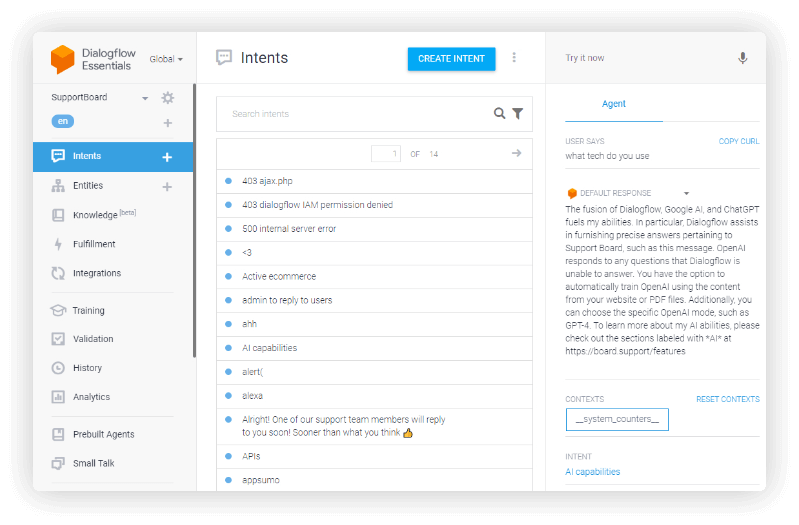
Use Dialogflow to create chatbots for answering specific and common questions accurately, or for advanced Support Board tasks. Integrate it with OpenAI to handle questions that Dialogflow cannot.
- Add custom questions and answers
- Integrate it with OpenAI
Chatbot Actions
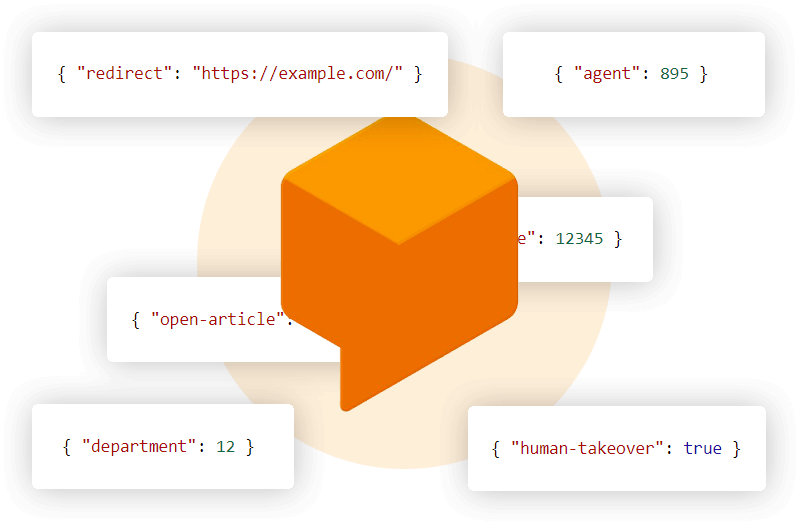
Give your chatbot the ability to perform actions on behalf of the user like sending an email, open an article, change the department, and more. For the full actions list click here.
- More than 10 actions available
- Allow the chatbot to act on behalf of the user
Rich Messages and Surveys
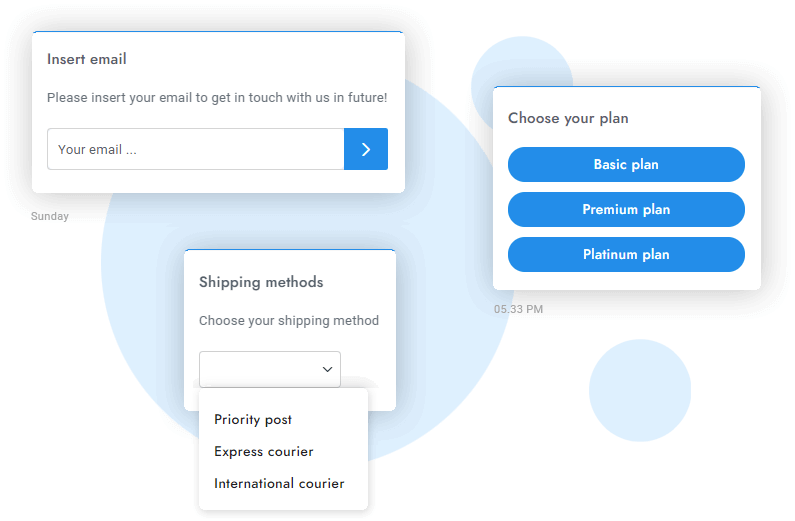
The chatbot's functionality is on par with that of a human agent! It can send attachments, media, rich messages and surveys, which are easy to create and insert into the chatbot's message.
- Rich messages as shortcode
- Attachments and media
- Surveys
- 10+ rich message types
Ready-To-Use Dialogflow Templates
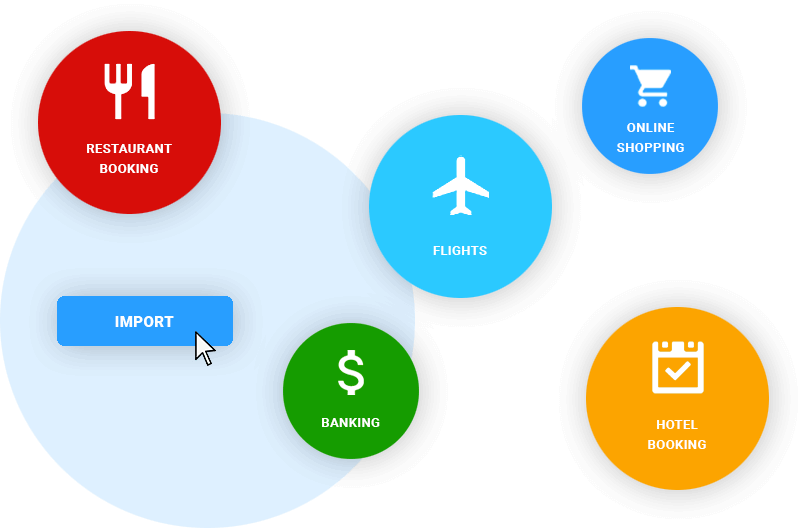
When creating a chatbot, taking the first step can be hard. To make it easier, Dialogflow provides a set of ready-to-use chatbot templates, each capable of replying to general questions.
- More than 45 templates
- Automatic replies to general questions
View templates
- App Management
- Banking
- Car
- Coffee Shop
- Alarm and Reminders
- Currency Converter
- Date
- Device
- Dining Out
- Event Search
- Traffic
- Translate
- Unit Converter
- Faq
- Flights
- Food Delivery
- Formats
- Hotel Booking
- Job Interview
- Jokes
- Language Settings
- Local Services
- Maps
- Mobile Accounts
- Video
- Weather
- Music
- Navigation
- News
- Online Shopping
- Radio
- Support
- Restaurant Booking
- Smart Home
- Television
- Time
- Tips Calculator
- Web Search
- More...
Knowledge Base
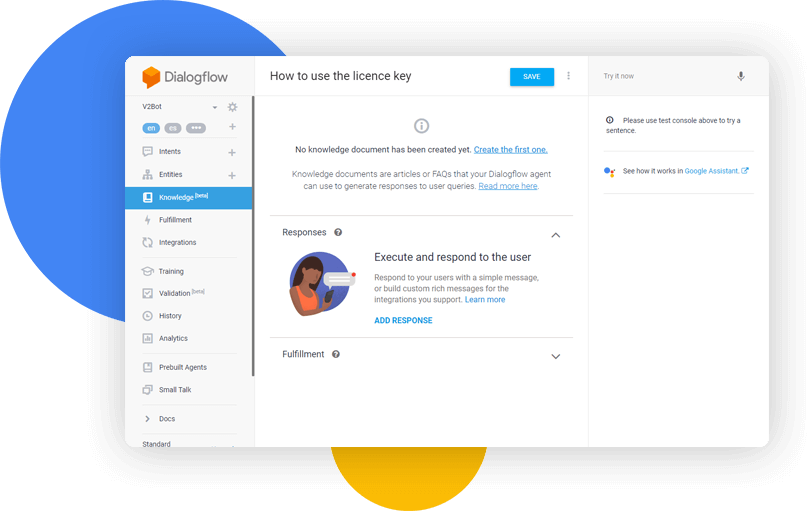
Give your chatbot superpowers with additional knowledge. The chatbot will use your Support Board articles, or Knowledge Base questions and answers automatically.
- Google Assistant
- Dialogflow Knowledge Base
- Support Board articles
Analytics
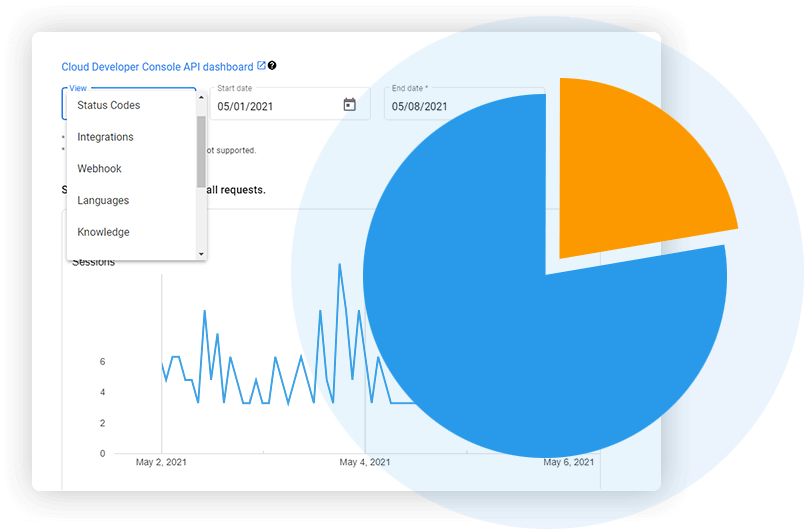
Check missing user questions, track your total number of chatbot chats, view sentiment analysis and much more. Data is always at your fingertips and allows you to fine-tune your chatbot to improve it every day.
- Vast set of reliable reports
- Check missing user questions
- Sentiment Analysis
- Total number of chatbot chats
WooCommerce Integration
By combining the Dialogflow's AI with the structured data of WooCommerce, the chatbot can read your WooCommerce shop contents and autonomously provide answers containing relevant information. Click the button for more details about this innovative feature.
WooCommerce Chatbot Details
Google Search and Spelling Correction
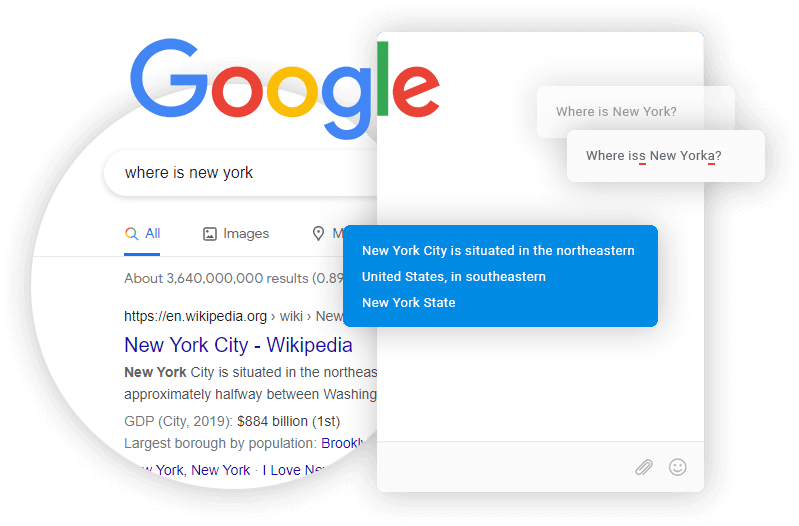
Give your chatbot the ability to search for answers on Google and your website via Google search and automatically correct misspelled user questions. It's all automatic.
- Chatbot replies from Google and your website
- Correct misspelled user questions
Support for Dialogflow CX and ES
All the Dialogflow features listed on this page are available for both Dialogflow CX and Dialogflow ES.

More Features
Take a look at the innovative Dialogflow features below. Each one is designed to make your chatbot truly awesome.
Email and text messages support
The chatbot can automatically reply to users' emails and text messages if the answer is known.
Free to Use
Dialogflow is free to use. Only enterprise businesses with a very high traffic volume will require a paid plan.
Machine Learning
Dialogflow uses machine learning to understand what users are saying and extract structured data accordingly.
Natural Language Processing
Using years of domain knowledge and big data, Google's Dialogflow NLP is among the most advanced in the world.
Sentiment Analysis
Dialogflow recognizes user sentiments and can spot frustrated users with score and magnitude metrics.
Entity Detection
Dialogflow can extract structured data from end-user expressions in order to understand questions like a human.
Speech Recognition
Voice messages can be recognized and processed through speech recognition by OpenAI and Dialogflow.